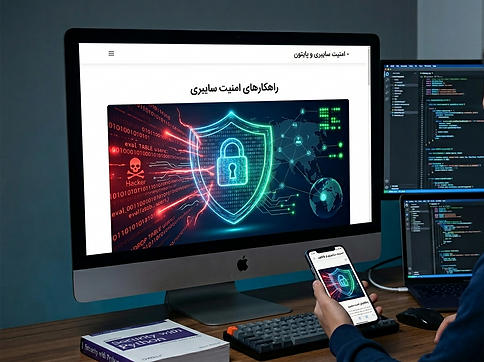



Your security is our priority. To protect your personal information against hacker attacks and to improve your digital literacy, take these 4 vital steps today:
1. Two-Factor Authentication (2FA)
A password alone is not enough! Enable the Two-Factor Authentication (2FA) feature on all your accounts (Google, Telegram, Instagram). By doing this, even if someone has your password, they cannot log in to your account without the second code that is sent to your phone.
2. Link Literacy
Never click on links sent in emails or messages from unknown sources (with promises of prizes, free internet, or account suspension warnings). Hackers use these links to build fake bank pages or log in to accounts to steal your information.
3. Password Management
Avoid using simple passwords such as your phone number or birth date. Try to have a unique and different password for every website.
4. System Updates
The main reason for mobile and app updates is to close security loopholes discovered by hackers. Always update your phone’s operating system and banking apps to the latest version.

SEARCH
High-quality results, safe and secure
When you use Google Search, your data is safe. It’s that simple. Your searches are encrypted, your results are protected from web spam and malware, and your personal information is never sold. You can also turn on auto-delete to automatically delete your data on an ongoing basis, or use the intuitive privacy settings to decide what you want to save to your Google Account.